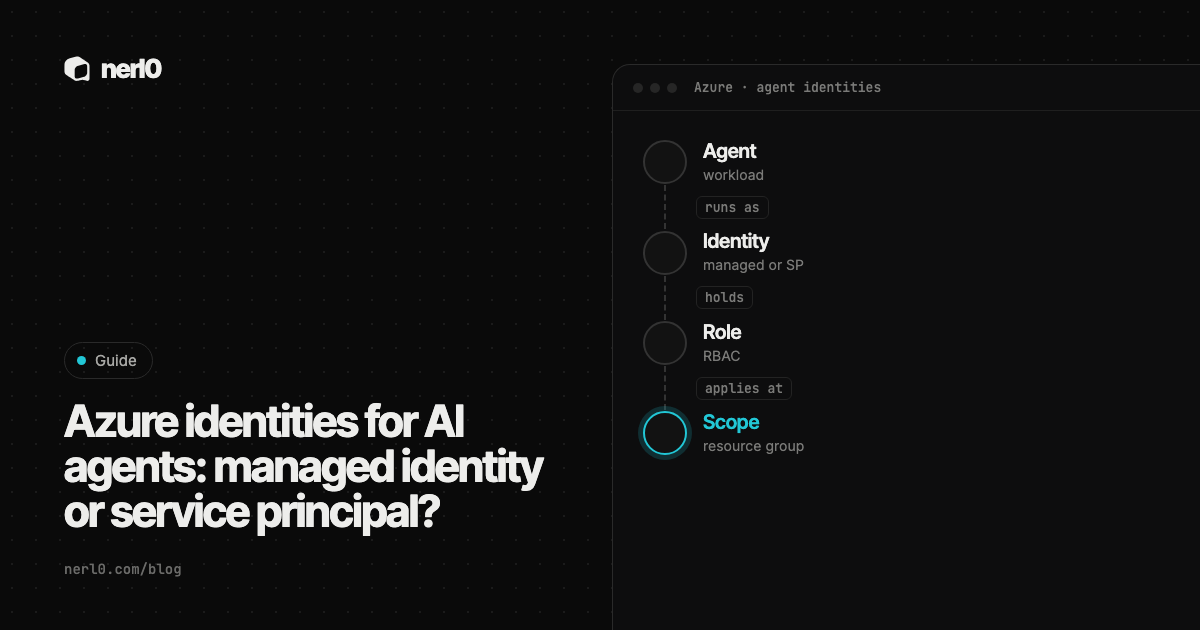
An AI agent on Azure does not act as itself. It acts as an identity, and that identity carries the permissions. Three kinds are common: a managed identity, a service principal with a secret or certificate, and, according to the Microsoft Entra documentation, an agent identity created from a blueprint.
The short answer: when the agent runs on Azure compute and the target supports Entra authentication, a managed identity is the option that removes credentials from your hands. A service principal fits where a managed identity cannot be used, and it needs a certificate, an owner and a review date. Whichever you pick, the role assignment and its scope decide the damage.
In this piece, we will cover:
- The three identity types side by side
- Credentials: who holds them and how long they live
- Ownership and lifecycle
- Roles and scope
- A review routine and where nerl0 fits
Which identity types can an agent run as on Azure?
Microsoft Entra groups workload identities into applications, service principals and managed identities. A managed identity can be assigned to Azure compute such as a virtual machine, a Kubernetes cluster or an app hosting platform. Once it is assigned, it can be authorized to reach downstream resources such as a storage account or a SQL database.
A service principal is the local representation of an application in a tenant. It authenticates with a client certificate or a client secret. An agent identity is, per the Entra docs, a special service principal that a blueprint created and may impersonate. It has no credentials of its own.
| Property | Managed identity | Service principal | Agent identity |
|---|---|---|---|
| Credential | None for you to handle | Certificate or client secret | None on the identity; the blueprint holds them |
| Who can use it | System-assigned: only its own resource | Anyone holding the credential | The blueprint, after consent |
| Lifecycle | System-assigned: deleted with the resource. User-assigned: independent | Independent, until removed | Created from a blueprint |
| Named human | Not built in | Not built in | Optional sponsor |
Who holds the credential, and how long does it live?
Microsoft says managed identities remove the need for developers to manage credentials, and that the credentials are not even accessible to you. Code on the compute resource asks Entra for a token through a library such as MSAL or the Azure.Identity SDK, and no secret is needed in the code.
A service principal is different. Microsoft lists two mechanisms, client certificates and client secrets, and recommends certificates where possible because they cannot be embedded in code by accident. It also recommends Azure Key Vault for storing them. A hard-coded shared secret in a script is one of the challenges the same page names, with a certificate as the mitigation.
That is the point where lifetime matters. OWASP's Non-Human Identities Top 10 includes long-lived secrets: API keys, tokens and certificates with an expiry too far away or none at all. A breached secret of that kind gives an attacker access without time limits. A managed identity sidesteps the question, because there is no secret for you to age.
An agent identity moves the credential one step away. The Entra docs say the identity itself holds none, while the blueprint holds federated identity credentials, certificates or client secrets and uses them to acquire tokens on the identity's behalf. So the review question shifts from the identity to its blueprint.
System-assigned or user-assigned?
Both are managed identities, and the lifecycle differs. A system-assigned identity is created with an Azure resource, can belong to only that resource and is deleted when the resource is deleted. A user-assigned identity is a standalone resource with an independent lifecycle. It must be deleted explicitly, and it can be attached to more than one resource.
For agents this has a practical consequence. A system-assigned identity gives each agent host its own identity, so a permission granted to it stays with that one workload. A user-assigned identity can be shared across several resources, which is convenient when machines are recycled but permissions should stay the same. It also means one grant reaches every resource that uses the identity. Microsoft recommends user-assigned identities for its own services; for your agents, decide per workload and write the choice down.
Who owns the identity?
The Entra agent identity documentation is the only one of the three that has a built-in field for a person. A sponsor records the human user or group accountable for the agent, and Microsoft names contacting a human during a security incident as one use. For managed identities and service principals, the pages we read describe no equivalent field, so the owner has to be recorded by your team, for example in a tag or a register.
Ownership matters at the end of life too. OWASP lists improper offboarding as the first risk in its Non-Human Identities Top 10: service accounts and access keys that stay active after the service behind them is gone, which attackers can use. An identity with no named owner has nobody who would notice.
The blueprint model adds one lever. Because agent identities share a blueprint, an administrator can apply a conditional access policy to all agents of that kind, disable them all or revoke a permission grant for all of them. The Entra docs give a sales assistant agent as the example.
Which roles and scope should the identity get?
Identity type is only half of the answer. What the identity may do comes from role assignments. The Azure RBAC best practices say to grant the least privilege needed and to avoid broader roles at broader scopes even when that seems convenient. Limiting roles and scopes limits what is at risk if the security principal is compromised.
NIST's glossary gives the underlying principle: an entity receives the minimum system resources and authorizations it needs to perform its function. OWASP names the failure as overprivileged NHI, identities with significantly more privileges than their function requires.
Microsoft's service principal guidance adds a specific trap: Contributor is the default Azure RBAC role, so evaluate the need and apply the least possible permissions. The RBAC guidance also advises avoiding wildcards in custom roles, because future actions covered by the wildcard may grant access you did not intend.
How do you review the identities behind your agents?
- List the identities. Microsoft shows
az ad sp listandGet-MgServicePrincipal -All:$truefor service principals. - Name an owner for each one, and record which agent runs as it.
- For service principals, check the credential type. Replace secrets with certificates, or with a managed identity where the host supports it.
- List each role assignment and its scope. Remove any broader than the agent's task needs.
- For shared user-assigned identities, list every resource that uses them. One grant reaches all of them.
- Check the sign-in logs. Microsoft says to monitor service principal sign-ins in the Entra sign-in logs, and that managed identity sign-ins appear there too.
- Repeat on a schedule, and remove identities whose service is gone.
This comparison rests on Microsoft documentation, OWASP and NIST. It does not say which type is safest for a particular agent, and it does not cover every Azure service, since support for managed identities varies by service. A role assignment shows what an identity may do, not what it has done.
Where nerl0 fits
The review above starts with a list, and agents tend to be missing from it. nerl0 maps every AI agent and non-human identity and what each can reach. It connects read-only through each platform's own interfaces and reads configuration and permission data, never the contents of data stores. The service accounts page is where that inventory begins, and the connectors page shows how the read-only connection works.
The Security Graph shows authority paths: agent, credential, role, crown-jewel data store. Every step is an observed relationship. Issues carry severity, evidence, an owner and a recommended breakpoint, and the next scan verifies the fix. For the vocabulary, see what a non-human identity is, and for reading a path, the guide to the Security Graph.
A path in nerl0 describes a route, not proof of use, as a route is not proof of use explains. Every answer also states what it cannot show.
Summary
On Azure, an agent can run as a managed identity, a service principal or an Entra agent identity. A managed identity leaves no credential for you to manage, a service principal needs a certificate and an owner, and an agent identity pushes the credential to its blueprint and adds a sponsor. In every case, the role and its scope define the blast radius, so grant the least and review on a schedule.
Sources
- Managed identities for Azure resources, Microsoft Learn, accessed Oct 11, 2026
- Overview of agent identities in Microsoft Entra, Microsoft Learn, accessed Oct 11, 2026
- Securing service principals in Microsoft Entra ID, Microsoft Learn, accessed Oct 11, 2026
- Best practices for Azure RBAC, Microsoft Learn, accessed Oct 11, 2026
- OWASP Non-Human Identities Top 10 (2025), OWASP, accessed Oct 11, 2026
- Least Privilege - NIST Glossary, NIST, accessed Oct 11, 2026
Sascha writes about what AI agents and non-human identities can reach, and builds nerl0 to keep that visible.