A shadow AI agent is an agent that runs with real access but is not on any list the security team keeps. Most of them were not hidden on purpose. Someone clicked "Allow" on a consent screen, created an API key, or committed a configuration file, and nobody wrote it down.
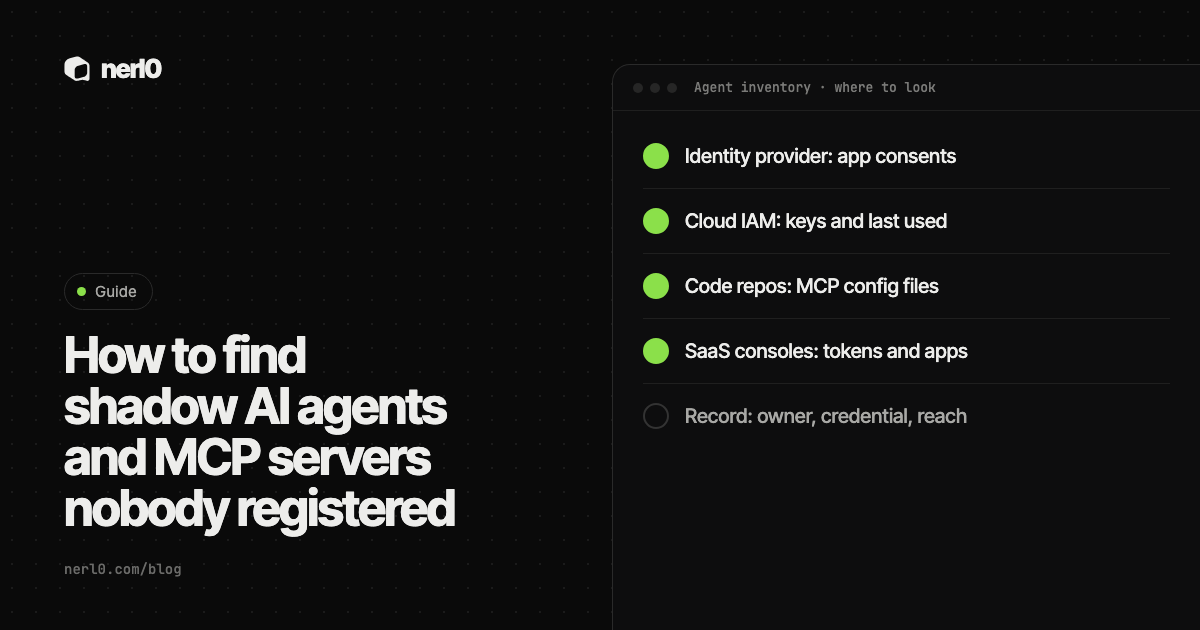
The short answer: you will not find them in one place, so look at the places where access is granted. Those are the identity provider, cloud IAM, code repositories and SaaS admin consoles. For each agent, record an owner, the credential, what it can reach and when it last changed.
In this piece, we will cover:
- How agents get in without a registration step
- Where to look in four kinds of systems
- What to record for every agent you find
- What to do with agents that have no owner
- Where nerl0 fits, and what this does not show
How do agents get in without being registered?
Four entry points cover most cases. Each one grants access without a purchase order or a review.
- OAuth grants. A user approves an app or agent on a consent screen. Microsoft's documentation says apps are added to a Microsoft Entra tenant through user or admin consent.
- Personal API keys and tokens. A developer creates a key or token and wires it into an agent. The agent now acts with that person's reach.
- MCP configuration in repositories. Anthropic's Claude Code documentation describes a project scope that stores MCP servers in a
.mcp.jsonfile at the project root and recommends checking it into version control, so a repo can carry a server definition for everyone who clones it. - Agents built inside SaaS tools. They live in the product's own admin console, not in your identity provider's app list. Whether they show up depends on what that console exposes.
None of these needs a request to IT. That is why a list built from purchases or tickets misses them. An agent is a non-human identity, and the place to find it is wherever its identity was created.
Where do you look?
Identity provider: app consents
In Microsoft Entra, Microsoft's documentation points to Enterprise apps, then All applications, then the app's Permissions page. The Admin consent tab shows permissions that apply to the whole organization. The User consent tab shows what was granted to a specific user or group. The same page notes that you cannot revoke permissions on the User consent tab in the portal. Those need Microsoft Graph or PowerShell. It also says that revoking a permission does not stop users from consenting again.
In Google Workspace, the Admin console has API controls under Security and Access and data control. According to Google's documentation, the Accessed apps list shows third-party apps that users have used to reach Google data, with a user count and the requested services. The Configured apps list shows apps with a Trusted, Limited or Blocked policy. Both can be downloaded as CSV. Google also says details can take 24 to 48 hours to appear after authorization.
Cloud IAM: keys and last used
AWS documents how to find unused credentials. The IAM credential report is a CSV file that lists, among other things, when each user last used an access key, in which Region and for which service. The AWS CLI command get-access-key-last-used returns the same. AWS suggests that keys not used recently are candidates for removal. A key that is still in use but belongs to nobody you can name is the more interesting find.
Code repositories: tokens and MCP files
Search repositories for MCP configuration files and for the credentials they reference. Remember the limit: Anthropic's documentation says the local and user scopes are stored in ~/.claude.json on the machine, not in the repo. A repo search finds the shared definitions only. For GitHub, organization owners can open Settings, then Personal access tokens, then Active tokens, to see fine-grained tokens that can access the organization. GitHub says this page does not cover classic personal access tokens.
SaaS admin consoles
Open the admin console of each tool your teams use with AI features and look for connected apps, API tokens and any built-in agent or automation list. Treat each console as its own source. If a console cannot list what has access, write that down as a gap rather than assuming the list is empty.
| Where | What to pull | Known limit |
|---|---|---|
| Microsoft Entra | Enterprise apps, Permissions, Admin and User consent tabs | User consent cannot be revoked in the portal |
| Google Workspace | API controls: Accessed apps and Configured apps | Details appear 24 to 48 hours after authorization |
| AWS IAM | Credential report, access key last used | Shows keys, not who owns the agent using them |
| GitHub organization | Active fine-grained personal access tokens | Classic tokens are not listed there |
| Repositories | Project-scope .mcp.json files | Local and user scope stay on the machine |
What should you record for each agent?
A list of names is not an inventory. Four facts turn it into one. The MCP servers you find deserve the same four.
- Owner. One named person or team who can answer "why does this exist?" and can approve its removal.
- Credential. What it authenticates with: an OAuth grant, an API key, a token, a role. Note whose identity it borrows.
- Reach. What the credential can read or change, taken from the permissions themselves and not from the app's name.
- Last change. When the grant, key or configuration was created or last modified, and when it was last used if the platform tells you.
OWASP's Non-Human Identities Top 10 for 2025 names risks that these four facts line up with. NHI1 is Improper Offboarding, meaning identities that are not retired when unneeded. NHI5 is Overprivileged NHI, with more access than the function requires. NHI7 is Long-Lived Secrets, credentials with expiry dates far away or none at all. Without an owner, nobody retires the identity. Without reach, nobody sees the excess. Without a last change, nobody sees the age.
What do you do with ownerless agents?
An ownerless agent is one where nobody claims the owner field. Do not delete it on the spot. Something may depend on it. Work through it in order.
- Find the creator. The consent record, key or commit usually names who made it.
- Ask, with a deadline. Send one message: is this still needed, and who owns it?
- Read its reach. If nobody answers, the permissions decide how urgent it is. A key that can only read one project is not the same as one that can write to production.
- Reduce, then remove. Narrow the permissions first. If nothing breaks, retire the credential.
- Re-check later. Run the same search again and confirm the agent did not come back under another name.
A consent list, a credential report or a repo search shows that access exists. It does not show that an agent is running, what it did with the access, or what sits in the systems it can reach. Some agents will never appear in these lists, for example those that use a human's session. Treat the inventory as a floor, not a complete count. More on the difference between a route and actual use in A route is not proof of use.
Where nerl0 fits
nerl0 maps every AI agent and non-human identity and what each can reach. It connects read-only through each platform's own interfaces and reads configuration and permission data, never the contents of data stores. The pages for MCP servers and OAuth apps show how these two entry points appear in the product.
Questions are suggested, and you activate the ones you want. A question like "which agents have no owner?" or "which OAuth apps hold access we did not review?" is measured again with every scan, so the check does not depend on someone remembering to repeat it. See Questions. Issues carry severity, evidence, an owner and a recommended breakpoint, and the next scan verifies the fix. For why the connection is read-only, see Read-only by default.
Every answer states what it cannot show. A platform that does not expose something through its interfaces is a gap in the answer, not a clean result.
Once you have found an agent, run the MCP server security checklist on its tools and read why permissions set the damage of prompt injection.
Employee-approved tools show up as grants: see how to audit OAuth grants to AI tools.
Summary
Shadow agents come from consents, personal keys, repo configuration and SaaS tools, so the search has to cover identity providers, cloud IAM, repositories and admin consoles. Record an owner, the credential, the reach and the last change for each one. Where nobody owns an agent, read its permissions, narrow them and then retire it. Repeat the search on a schedule, because new agents arrive the same way the old ones did.
Sources
- Review permissions granted to enterprise applications, Microsoft Learn, accessed Nov 12, 2026
- Control which third-party and internal apps access Google Workspace data, Google Workspace Admin Help, accessed Nov 12, 2026
- OWASP Non-Human Identities Top 10 (2025), OWASP, accessed Nov 12, 2026
- Connect Claude Code to tools via MCP, Anthropic, accessed Nov 12, 2026
- Find unused AWS credentials, Amazon Web Services, accessed Nov 12, 2026
- Reviewing and revoking personal access tokens in your organization, GitHub Docs, accessed Nov 12, 2026
Sascha writes about what AI agents and non-human identities can reach, and builds nerl0 to keep that visible.