An MCP server gives an AI agent tools: it can query a database, call an API or read files. The server usually holds credentials for the system behind it, so connecting an agent to it means lending the agent whatever those credentials can do.
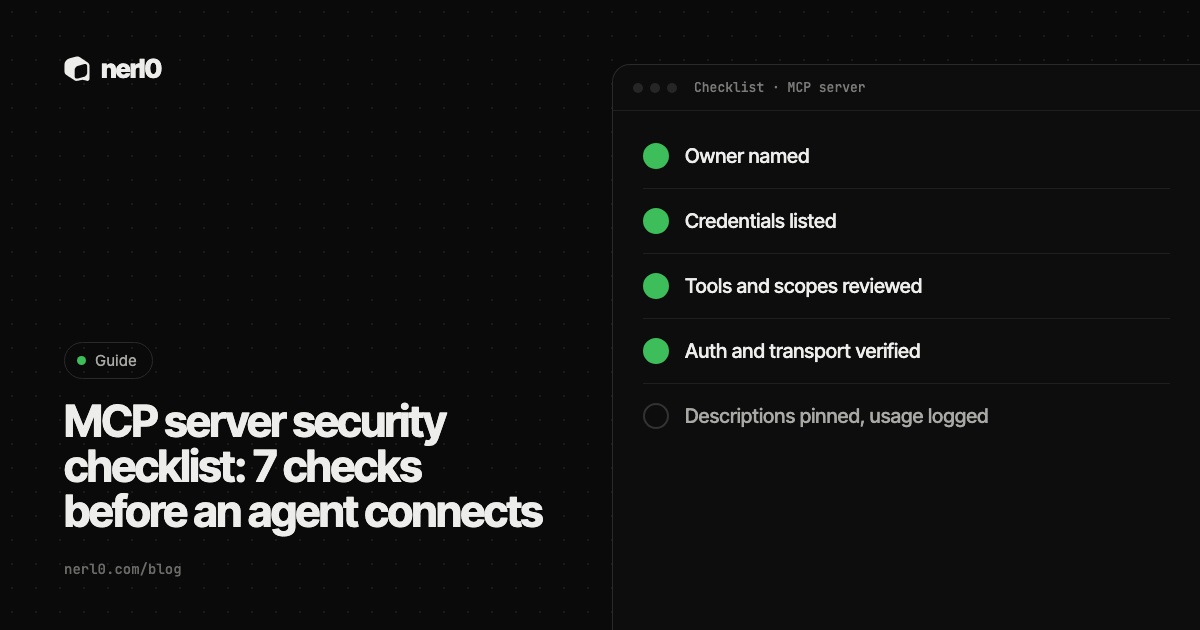
The short answer: before an agent connects, check seven things. Who owns the server, what credentials it holds, which tools it exposes, how narrow the scopes are, how it authenticates and which transport it uses, whether the tool descriptions can be trusted, and how you will log and review it. The table below lists them, and the sections after it explain each one.
In this piece, we will cover:
- The seven checks in one table
- Who owns the server and what credentials it holds
- Tools, scopes and why narrow is better
- Transport, authentication and tool descriptions
- Logging, review and where nerl0 fits
What are the seven checks?
| # | Check | The question to answer |
|---|---|---|
| 1 | Owner | Which named person or team runs this server and answers for it? |
| 2 | Credentials | Which keys, tokens or service accounts does it hold, and what can they reach? |
| 3 | Tools | Which tools does it expose, and are they narrow or open-ended? |
| 4 | Scopes | Are permissions limited to what the agent needs, read-only where possible? |
| 5 | Transport and auth | Is it local or remote, and are tokens issued for this server only? |
| 6 | Tool descriptions | Can anyone change a description after you approved it? |
| 7 | Logging and review | Is usage logged, and when is the connection reviewed again? |
Who owns the server, and what credentials does it hold?
Checks 1 and 2 come first because every other check depends on them. A server without an owner has nobody to approve scope changes, rotate keys or switch it off. A server whose credentials nobody has listed cannot be reviewed at all.
Write down the owner, the system behind the server and every credential it uses. The MCP specification says a server that calls an upstream API acts as an OAuth client to it, and the upstream token is a separate token from the one the agent presented. So there can be two sets of credentials: the one the agent uses to reach the server, and the one the server uses to reach the system behind it. List both.
Each of those credentials is a non-human identity. No person logs in with it, yet it holds real permissions. The earlier piece on MCP servers as a doorway with credentials goes deeper on why the second set matters most.
Which tools and scopes should the agent get?
Checks 3 and 4 decide the blast radius. OWASP lists excessive agency among the top risks for LLM applications and names three root causes: excessive functionality, excessive permissions and excessive autonomy. Its examples include a read-only tool that also has delete functions, and database credentials with write rights where only reads are needed.
OWASP's prevention list maps directly to the checklist:
- Offer the agent only the tools it needs, and drop retired ones.
- Prefer granular, purpose-built tools over open-ended ones such as shell execution or URL fetching.
- Grant the minimum access on the downstream system, for example a read-only database role or read-only OAuth scopes.
- Add human approval for high-impact actions, and enforce authorization in the downstream system instead of trusting the model to decide.
The MCP security guidance adds a point about scopes. It warns against publishing every possible scope, against wildcard scopes such as * or full-access, and against bundling unrelated privileges so that users are asked less often. It recommends a small starting scope with low-risk read operations, and raising it only when a privileged operation is first attempted. Its stated reason: a stolen broad token reaches unrelated tools and data, and revoking it disrupts every workflow that uses it.
How should the server authenticate, and which transport does it use?
Check 5 differs by transport. The MCP authorization specification covers HTTP-based transports. For a local server on the stdio transport, it says implementations should not follow that specification and should take credentials from the environment instead. That makes the environment itself the thing to check: which secrets does the process inherit?
For remote servers, the specification sets several requirements worth turning into questions:
- Does the server validate that each access token was issued specifically for it? The specification says servers must not accept tokens meant for other resources.
- Does it avoid token passthrough, where a token from the client is forwarded to a downstream API unchecked? The security guidance names this an anti-pattern and lists the damage: bypassed controls such as rate limits, blurred audit trails and broken trust boundaries.
- Are tokens kept out of query strings, sent over HTTPS, and short-lived? The specification requires the first two and recommends short-lived access tokens to limit the impact of a leak.
- If the server is a proxy that uses one static client ID for a third-party API, does it ask for consent for each dynamically registered client? Without that, the guidance describes a confused deputy attack that skips user consent.
- Do session IDs play no role in authentication? The guidance says servers must verify all inbound requests and must not use sessions for authentication.
Local servers carry their own risk. The guidance describes malicious startup commands in client configuration and servers that run with the same privileges as the client. It recommends showing the exact command before a one-click install, sandboxing the process, and using stdio or a restricted channel so that other processes on the machine cannot reach the server.
Can you trust the tool descriptions?
Check 6 is the one teams skip. A tool description is text that the model reads and the user often does not. Invariant Labs calls hiding instructions in it a tool poisoning attack, a form of indirect prompt injection. In its demonstration, a poisoned tool led an agent to read local configuration and SSH key files and pass them to the server in a hidden argument, while the confirmation dialog showed only a simplified view.
The same write-up describes two further patterns. In shadowing, one server's description changes how the agent uses a trusted server's tool; in its example, emails went to an attacker's address although the user named another recipient. In a rug pull, a server changes a description after the user approved it.
What to do about it, from Invariant Labs and the MCP specification:
- Make full tool descriptions visible to a human before approval. The specification says clients must treat tool annotations as untrusted unless they come from a trusted server.
- Pin the tools you approved, for example by comparing a hash of each description, so that a later change is noticed.
- Separate servers from each other with stricter data-flow boundaries, so one server's text cannot steer another server's tools.
A server can also announce that its tool list changed. The specification defines a list-changed notification for this. Treat that event as a reason to review again, not as routine noise.
How do you log and review it?
Check 7 closes the loop. The MCP specification says servers must rate limit tool invocations and clients should log tool usage for audit purposes. OWASP lists logging, monitoring and rate limiting as damage-limiting controls: they do not prevent excessive agency, but they help you see and contain it.
Pick a review rhythm and attach it to the owner from check 1. At each review, repeat checks 2 to 6, because credentials, tools and descriptions all change. A connection approved once and never revisited describes the day it was approved.
The checklist covers what you can verify before and after a connection. It cannot tell you whether a server's code is free of flaws, whether a description is harmless just because it looks plain, or whether a permitted tool call will ever happen. The sources above are guidance and research, not a certification of any particular server.
Where nerl0 fits
Checks 1, 2 and 4 are inventory questions: which servers exist, who owns them and what their credentials can reach. nerl0 maps every AI agent and non-human identity and what each can reach. It connects read-only through each platform's own interfaces and reads configuration and permission data, never the contents of data stores. The MCP servers page is where that view starts for servers.
The Security Graph shows authority paths: agent, credential, role, crown-jewel data store. Every step is an observed relationship. Issues carry severity, evidence, an owner and a recommended breakpoint, and the next scan verifies the fix. The guide to reading the Security Graph walks through a path. For the vocabulary used here, see the Academy glossary.
nerl0 does not read tool descriptions or server code, and a path in it is a route, not proof of use. Every answer states what it cannot show; the piece a route is not proof of use explains why. Checks 5 and 6 still need a person with the server's configuration in front of them.
Two deeper reads on the auth checks: MCP authentication explained and token passthrough and the confused deputy problem.
Summary
Before an agent connects to an MCP server, name its owner, list its credentials, narrow its tools and scopes, verify its authentication and transport, review and pin its tool descriptions, and set up logging with a review date. The MCP specification, OWASP and Invariant Labs all point to the same principle: the agent can do what the server's credentials allow, so shrink that first. Repeat the checks on a schedule, because the answers drift.
Sources
- Security Best Practices - Model Context Protocol, Model Context Protocol, accessed Oct 23, 2026
- Authorization - Model Context Protocol, Model Context Protocol, accessed Oct 23, 2026
- Tools - Model Context Protocol, Model Context Protocol, accessed Oct 23, 2026
- MCP Security Notification: Tool Poisoning Attacks, Invariant Labs, accessed Oct 23, 2026
- LLM06:2025 Excessive Agency, OWASP GenAI Security Project, accessed Oct 23, 2026
Sascha writes about what AI agents and non-human identities can reach, and builds nerl0 to keep that visible.