AI agents run as identities: roles, service accounts, keys. Teams often give them broad permissions at the start, while they are still finding out what the agent needs. AWS says this is a normal way to begin, and that you should then reduce the permissions as the use case matures. In practice that second part is easy to forget.
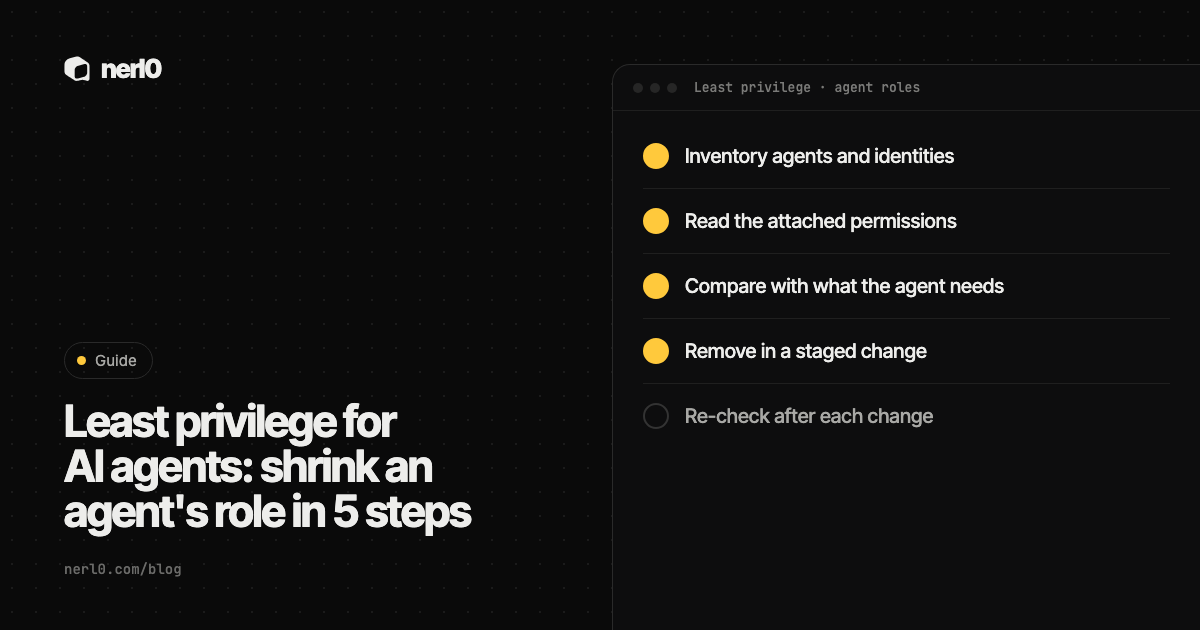
The short answer: shrink an agent's role in five steps. List the agents and their identities, read the permissions attached, compare them with what the agent really uses, remove the surplus in small staged changes, and check again after each one. Cloud vendors give you usage data to do this. None of them does it for you.
In this piece, we will cover:
- Why agent roles tend to grow too broad
- The five steps, in order
- What the vendor tools can tell you
- What usage data cannot tell you
- Where nerl0 fits
Why do agent roles end up too broad?
AWS describes the pattern in its IAM guidance. You might start with broad permissions while you explore what a workload requires, and later work to reduce them toward least privilege. AWS also notes that its managed policies may not be least privilege for your case, because they are written for all customers.
An agent makes this worse in one way. Nobody knows in advance which tools and data sources it will touch, so a wide role feels safer to the team that wants the agent to work. The role then stays. The agent is a non-human identity, and nobody owns its permissions review unless someone decides to.
How do you shrink an agent's role in five steps?
- Inventory the agents and their identities. List every agent, including those built outside the security team, and the role, service account or key each one runs as. Note an owner for each.
- Read the attached permissions. Read the policies and bindings, not the role name. Include inherited and group-based grants.
- Compare them with what the agent actually needs. Use the vendor's usage data (see the table below) and the agent's real job. Write down which services and actions it needs, and which it does not.
- Remove the surplus in a staged change. Change one agent and one set of permissions at a time. Test the agent after each change. Keep the old policy so you can restore it.
- Re-check after each change. Confirm the permissions are gone and the agent still works. Then repeat on a schedule, because new tools and new grants arrive.
What do the vendor tools offer for steps 2 to 4?
AWS and Google Cloud both publish usage-based tooling. The table sums up what their documentation says.
| Tool | What it shows | What to know before acting |
|---|---|---|
| AWS last accessed information | Services and some management actions a role or user has used, with a tracking period of at least 400 days | Includes failed attempts. Not available for data events. iam:PassRole is not tracked |
| AWS IAM Access Analyzer, unused access | Unused roles, access keys and passwords, and unused services and actions for active roles | Findings point to candidates. You decide what to remove |
| AWS policy generation | A policy template built from CloudTrail activity in a date range of up to 90 days | Needs a CloudTrail trail. Review and customize before attaching |
| Google Cloud role recommendations | Suggestions to remove or replace roles that grant unused permissions, based on up to 90 days of usage | Not applied automatically. Ignores ACLs and Kubernetes RBAC |
AWS: last accessed data and generated policies
According to AWS, last accessed information helps you identify roles, permissions and credentials you no longer need, and refine policies toward least privilege. AWS also warns that the data includes all attempts to call an API, not only successful ones. It names CloudTrail as the authoritative record of what succeeded or was denied.
IAM Access Analyzer can go one step further. It reads CloudTrail events for a role over a period you choose, up to 90 days, and generates a policy based on the actions it saw. AWS says you can then customize it by adding or removing permissions, specifying resources and adding conditions. AWS advises using CloudTrail, not policy generation, for auditing.
Google Cloud: role recommendations
Google's IAM recommender compares the permissions a principal holds with the permissions it used, and suggests removing or replacing the role. The docs say recommendations are not applied automatically: you review each one and apply or dismiss it. The default observation period is 90 days. For project-level recommendations you can set 30 or 60 days, which gives results sooner but may reduce accuracy.
Guardrails around the role
AWS also recommends permissions boundaries when you delegate role creation. A boundary sets the maximum permissions an identity-based policy can grant to a role, and it does not grant anything on its own. For agents, that gives teams room to build while a ceiling stays in place. AWS recommends service control policies as guardrails across accounts in the same way.
What can usage data not tell you?
Usage data looks backward. An agent that has not used a permission in 90 days may still need it for a monthly or yearly task, or for an input that has not shown up yet. The vendor docs list gaps as well: AWS action data does not cover data events and does not track iam:PassRole, and Google's recommendations ignore ACLs and Kubernetes RBAC and exclude role bindings with conditions. Treat the output as a list of candidates, and let the owner of the agent confirm each removal.
Two habits make the staged change safer. First, remove the least certain permissions in a separate step from the clearly unused ones. Second, wait for fresh data after each change. AWS says activity appears in the IAM console within four hours, and that you must generate a new report through the CLI or API to see updated information.
Where nerl0 fits
nerl0 maps every AI agent and non-human identity and what each can reach. It connects read-only through each platform's own interfaces and reads configuration and permission data, never the contents of data stores. That supports steps 1 and 2: the service accounts and other identities behind your agents, and what each one is attached to, in one place.
Issues carry severity, evidence, an owner and a recommended breakpoint. The next scan verifies the fix, which is step 5 of the routine. You can see open items in Issues. Questions such as "which agents can reach our secrets store?" are suggested, activated by you, and measured again with every scan. Start with Questions if you want the check to repeat on its own.
The read-only design matters here. nerl0 shows what is attached and where the breakpoint is. You make the change in your own platform, through your own process. Every answer states what it cannot show: a path is a route that exists, and "proven" describes the route, not that it was used. More in A route is not proof of use.
To decide which permission to remove first, see attack path vs vulnerability: the breakpoint is the step that removes the most routes.
Cloud-specific details: Azure identities for AI agents and GCP service accounts for AI agents.
Summary
Agent roles start broad and stay broad unless someone owns the review. Inventory the identities, read what is attached, compare it with real use, remove in staged changes, and re-check after each one. Vendor usage data from AWS and Google Cloud helps, but both vendors document gaps and say a person reviews the result. Treat each recommendation as a candidate, not a verdict.
Sources
- Security best practices in IAM, Amazon Web Services, accessed Nov 12, 2026
- Refine permissions in AWS using last accessed information, Amazon Web Services, accessed Nov 12, 2026
- IAM Access Analyzer policy generation, Amazon Web Services, accessed Nov 12, 2026
- Using AWS Identity and Access Management Access Analyzer, Amazon Web Services, accessed Nov 12, 2026
- Overview of role recommendations, Google Cloud, accessed Nov 12, 2026
Sascha writes about what AI agents and non-human identities can reach, and builds nerl0 to keep that visible.